
Download NoxPlayer Android 9 – Android emulator, Windows, Android 9, APK, install, mobile app, game, productivity, tool, utility
Overview
NoxPlayer Android 9 is a specialized Android emulator designed to run Android 9-compatible applications on Windows PCs. It serves as a bridge between mobile and desktop environments, enabling users to access Android apps and games that are not natively available on their Windows systems. The app is particularly useful for gamers who wish to play Android titles on a larger screen with enhanced control, as well as for productivity users needing to run mobile-based tools or utilities on their desktops.
Its primary purpose is to replicate a full Android 9 environment, allowing seamless execution of APKs and mobile applications with minimal performance loss. The developer, NoxPlayer, has focused on delivering a stable and customizable emulation experience tailored to both casual and advanced users. Real-world use cases include running mobile productivity apps like note-takers or task managers, testing mobile apps during development, and enjoying mobile games with keyboard, mouse, or gamepad input.
In the broader app ecosystem, NoxPlayer Android 9 fills a niche by offering a dedicated, high-performance emulation solution for Windows users seeking deeper integration with Android-based software. The app’s free availability further enhances its accessibility, making it a valuable tool for a wide range of users across different technical skill levels.
Key Features & Functionality
- Android 9 Emulation – Replicates the full Android 9 operating system environment, enabling compatibility with apps and games designed for that version.
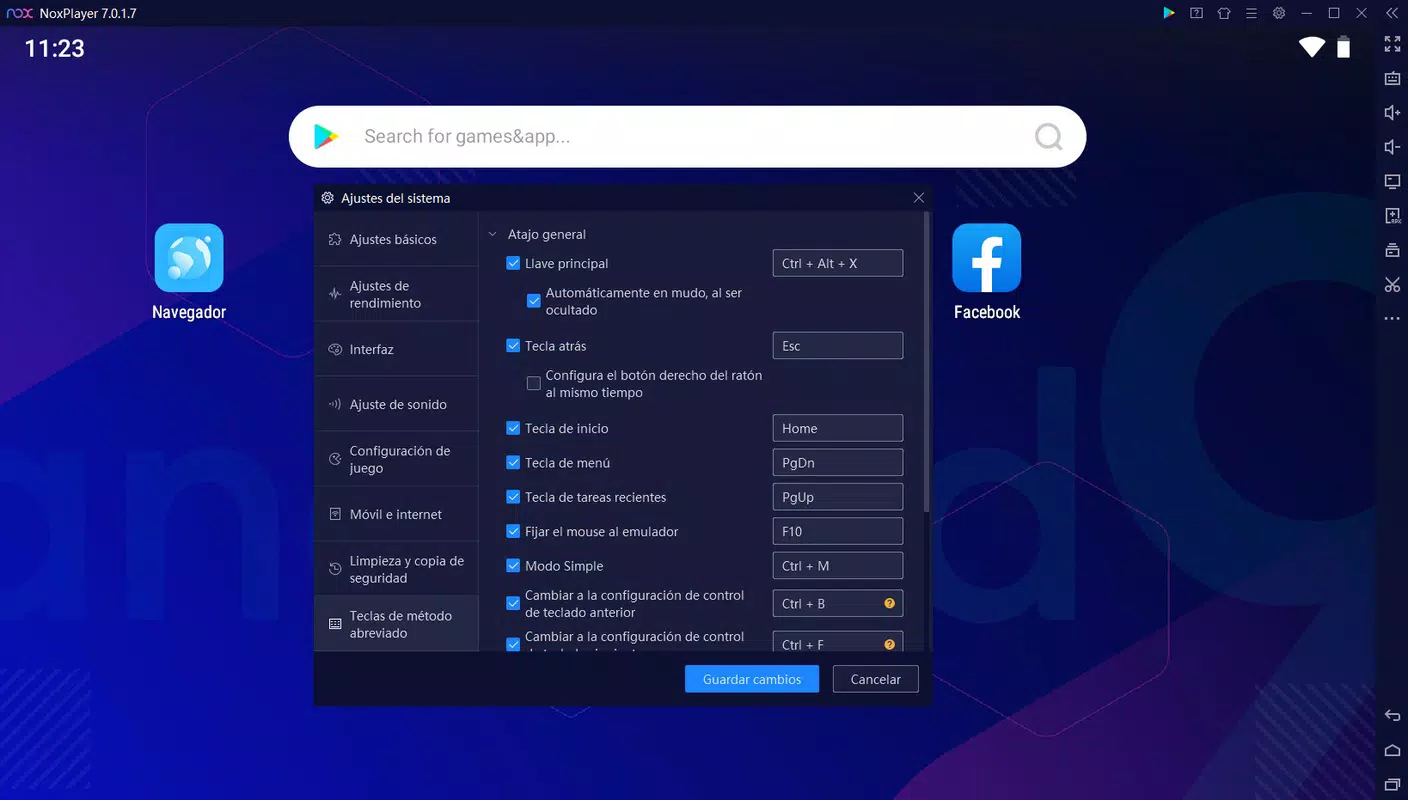
- Customizable Hardware Settings – Allows users to adjust virtual CPU, RAM allocation, screen resolution, and rendering system to match performance needs.
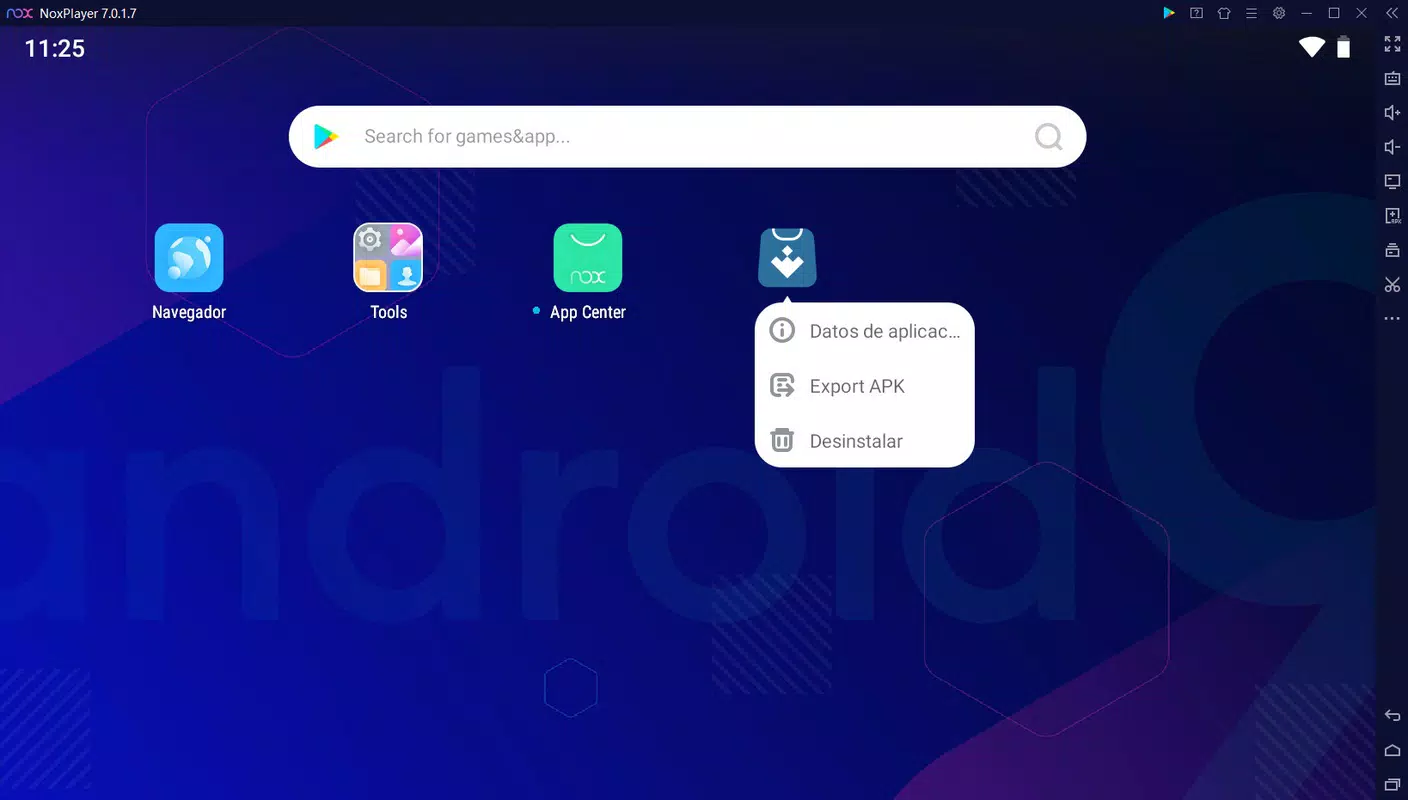
- APK Installation via Drag-and-Drop – Users can install apps by simply dragging APK files into the emulator window, streamlining the setup process.
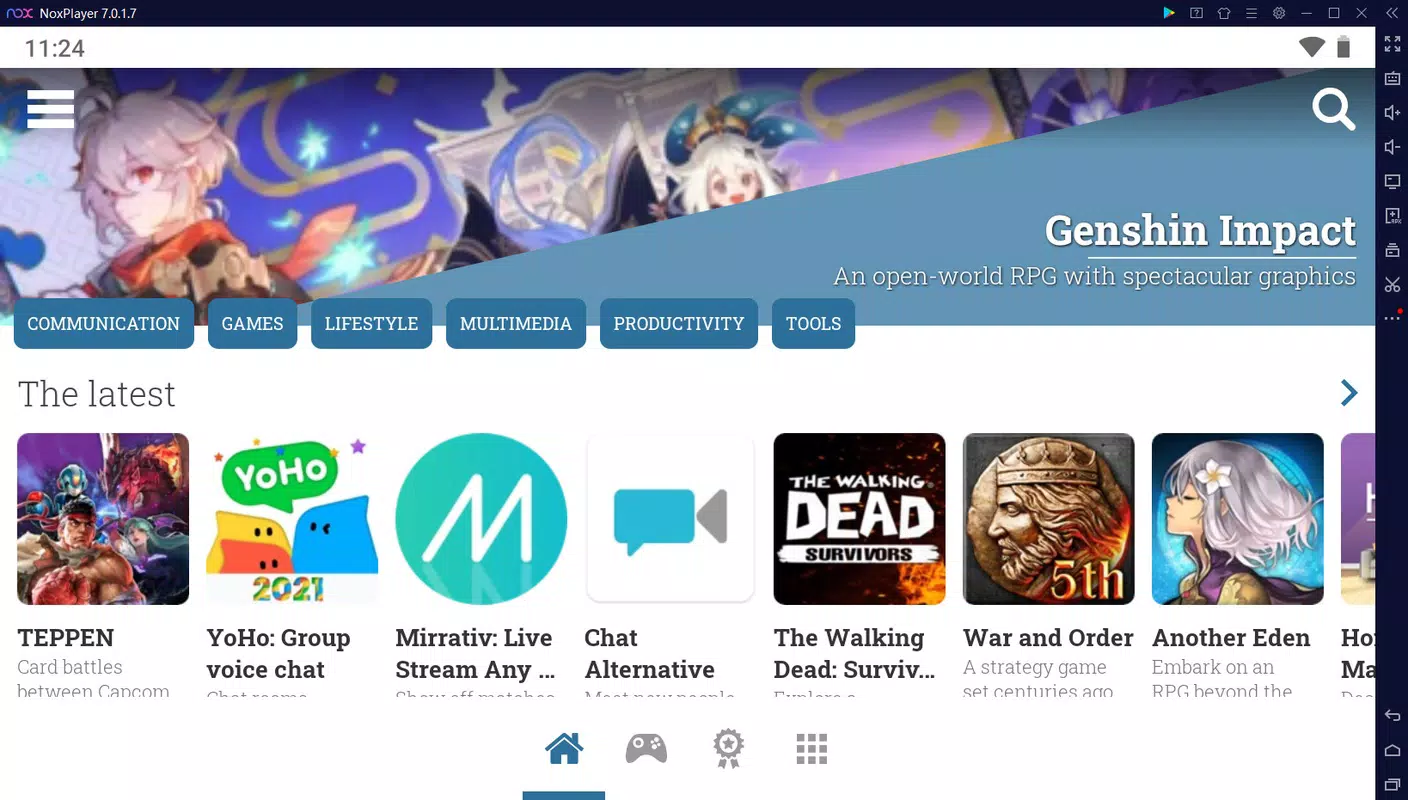
- Built-in Browser & APKPure Integration – Includes a web browser and supports installation of the APKPure app for direct game and app downloads within the emulator.
- Customizable Input Mapping – Enables mapping of keyboard, mouse, and gamepad buttons to suit individual preferences for optimal gameplay or app interaction.
- Multi-Instance Support – Allows running multiple instances of the emulator simultaneously, useful for managing multiple accounts or testing different app configurations.
These features cater to both casual users and power users. For example, a gamer can configure a gamepad layout for precise control in a mobile RPG, while a developer might run multiple instances to test app behavior under different conditions. The ability to fine-tune virtual hardware ensures optimal performance even on mid-tier systems. The built-in browser and APKPure integration eliminate the need to leave the emulator for app acquisition, enhancing workflow efficiency. Overall, the functionality is designed to deliver a desktop-native experience for Android applications, making it a versatile tool for entertainment and productivity.
Interface, UX & Performance
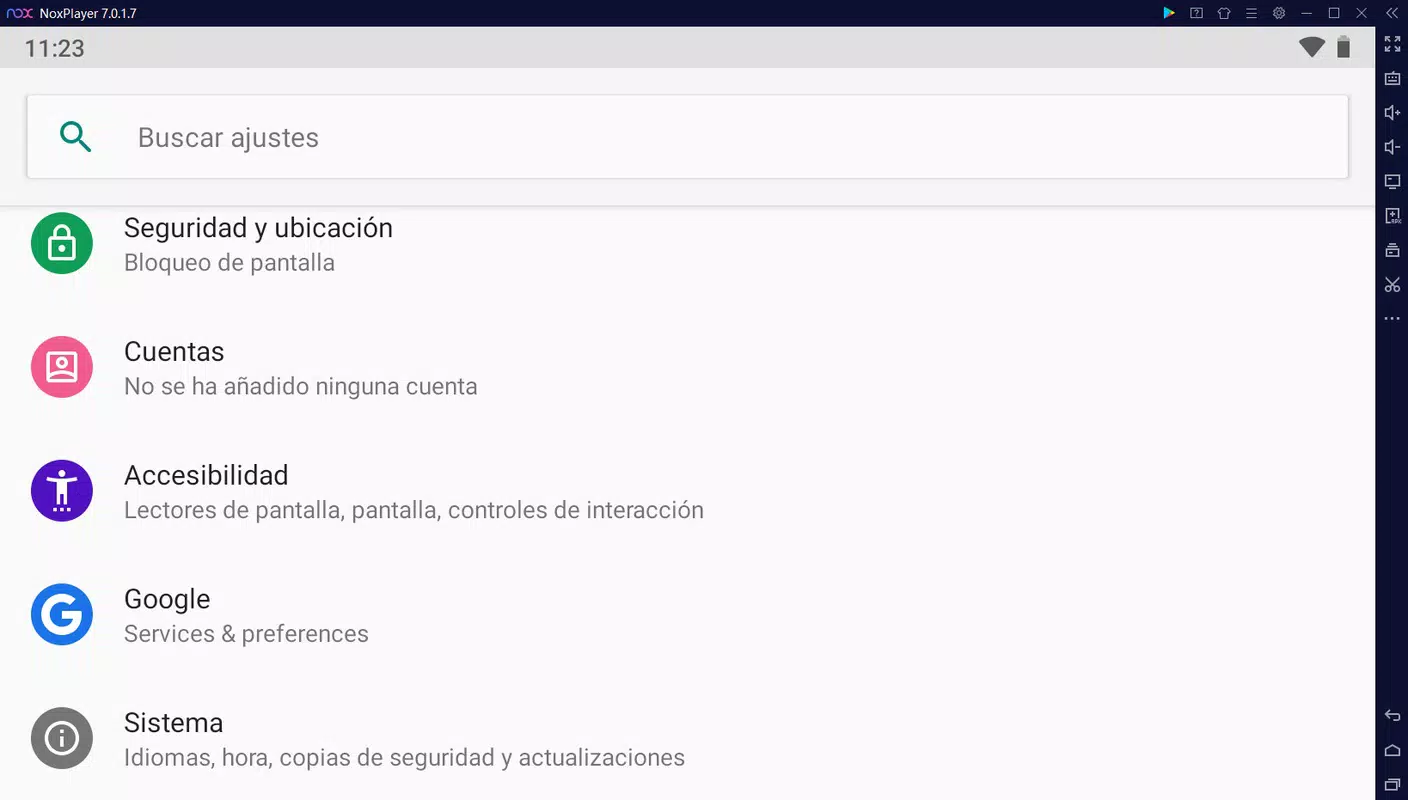
NoxPlayer Android 9 features a clean, intuitive interface that prioritizes accessibility for users of varying technical backgrounds. The main window displays a virtual Android device with a responsive touch screen, while control panels for settings, input mapping, and app management are neatly organized. Navigation is straightforward, with clearly labeled menus and real-time feedback during configuration changes.
The emulator supports smooth interaction via keyboard, mouse, and external controllers, with minimal input lag. Although the developer did not list formal performance metrics, the app is optimized for efficient resource usage, allowing stable operation on systems with moderate hardware specifications. Responsiveness is maintained during app switching and multitasking, and the interface remains stable during extended sessions.
The emulator handles APK installations and app launches with consistent speed, contributing to a seamless user experience. Stability across different device categories is not fully disclosed, but the app’s lightweight design and modular architecture suggest adaptability to a range of Windows environments. Overall, the UX is well-balanced between functionality and simplicity, making it suitable for both beginners and experienced users.
Platform Compatibility & Technical Requirements
NoxPlayer Android 9 is available exclusively for the Windows platform. It requires a Windows operating system, though specific OS version requirements were not listed. The application has a file size of 2.5 GB, which reflects the inclusion of the Android 9 runtime, system libraries, and built-in utilities.
The current software version is 7.2.5.0, indicating regular updates to maintain compatibility and performance. Users should ensure their system meets basic hardware standards to run the emulator efficiently, though detailed minimum requirements were not disclosed. The developer did not specify exact CPU, RAM, or GPU benchmarks.
Compatibility information was not fully disclosed, but the app is designed to function on standard Windows PCs with modern processors and sufficient memory. For users seeking to install or update the app, the free download is accessible through official channels. The file size suggests the emulator includes a comprehensive set of tools and pre-installed components to ensure immediate usability upon installation.
Pros and Cons
- Free to download and use, reducing entry barriers for users.
- Supports Android 9, enabling access to a broader range of apps and games.
- Customizable hardware and input settings for optimized performance and control.
- Intuitive drag-and-drop APK installation and built-in browser for app discovery.
- Multi-instance capability for managing multiple accounts or testing scenarios.
- Compatibility with keyboard, mouse, and gamepad for enhanced gameplay.
- Specific system requirements were not provided, which may affect user expectations.
- Performance may vary depending on host PC hardware, though no official benchmarks exist.
- Emulator size is relatively large at 2.5 GB, which may be a concern for users with limited storage.
- Developer did not disclose update frequency or long-term support plans.
- Platform availability is limited to Windows only; no information on macOS or Linux support.
FAQ
Is NoxPlayer Android 9 safe to download and install?
Yes, NoxPlayer Android 9 is available for free and is distributed through official channels. Users are advised to download the app only from trusted sources to ensure security and avoid third-party modifications.
Can I run multiple instances of NoxPlayer Android 9?
Yes, the emulator supports running multiple instances simultaneously, which is useful for managing different app accounts or testing various configurations.
Does NoxPlayer Android 9 support gamepads?
Yes, the emulator allows users to map gamepad inputs, including Xbox controllers, for enhanced gameplay control.
How do I install an APK on NoxPlayer Android 9?
You can install an APK by dragging and dropping the file directly into the emulator window or by using the built-in browser to download and install apps.
Is NoxPlayer Android 9 available for macOS or Linux?
The developer did not specify availability for macOS or Linux. The app is currently confirmed to run only on Windows.
Final Thoughts
NoxPlayer Android 9 stands out as a powerful and accessible tool for Windows users seeking to run Android applications and games on their desktops. Its support for Android 9, customizable settings, and flexible input options make it a compelling choice for both gamers and productivity-focused users. The ability to install APKs easily and run multiple instances adds significant value.
While some technical details like system requirements and update frequency remain unspecified, the app delivers a robust and stable experience. It excels in bridging the gap between mobile and desktop environments, offering a seamless way to access Android content. Whether you're playing mobile games on a large screen or using mobile apps for work, NoxPlayer Android 9 provides a reliable solution.
Its free model further enhances its appeal. Download NoxPlayer Android 9 now.


